
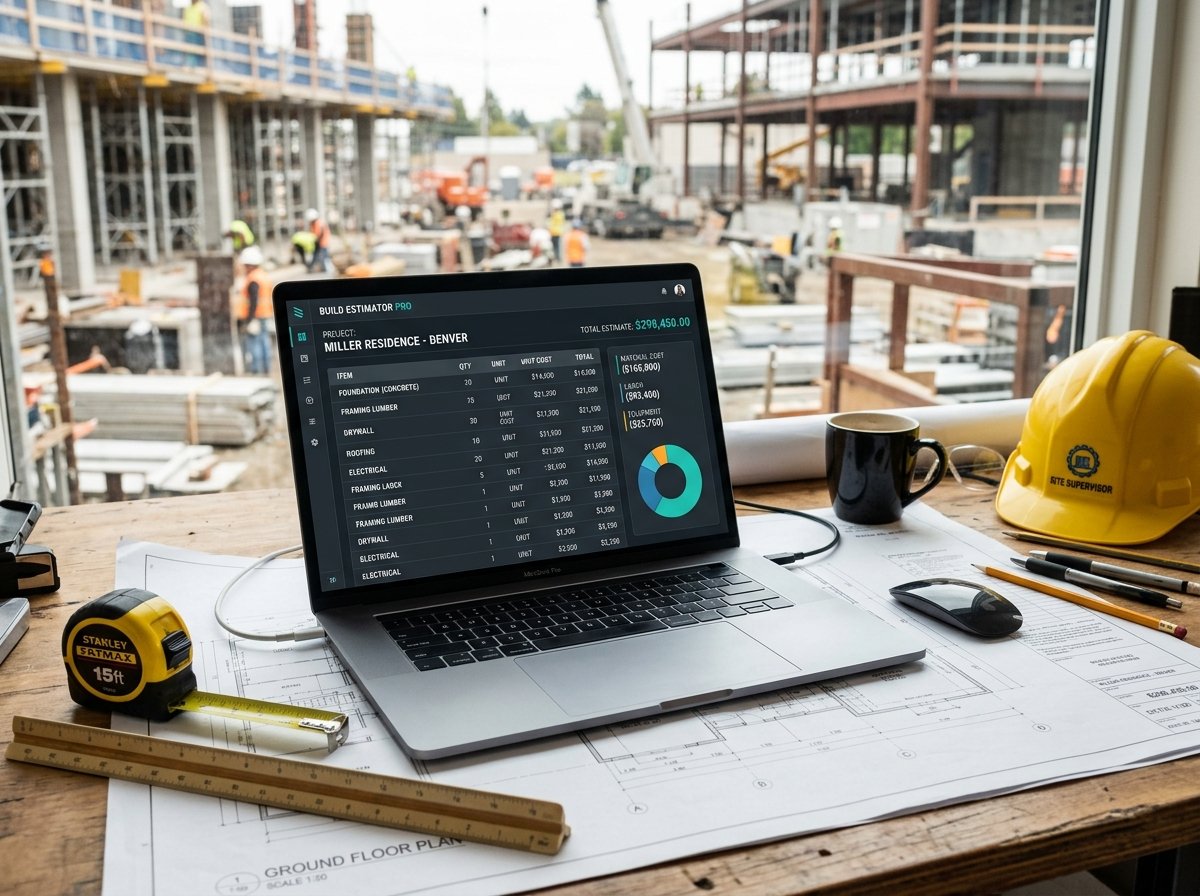
Construction Estimate Calculator: Estimate Your Construction Budget Accurately
Planning a construction project is a complex undertaking, and one of the most critical steps is preparing a reliable budget. Whether you’re building a new home, a commercial facility, or an industrial structure, having a clear estimate of costs helps you secure financing, avoid surprises, and make informed decisions. Our Construction Estimate Calculator is a free online tool that provides a preliminary construction budget based on floor area, build cost per m², contingency, and tax.
In this guide, we’ll show you how to use the calculator, explain each cost component, provide real-world examples, and answer common questions. We’ll also share tips to improve the accuracy of your construction estimates.
Construction Estimate
Construction CalculatorPreliminary construction budget: base works, contingency, tax and price per m².
What is the Construction Estimate Calculator?
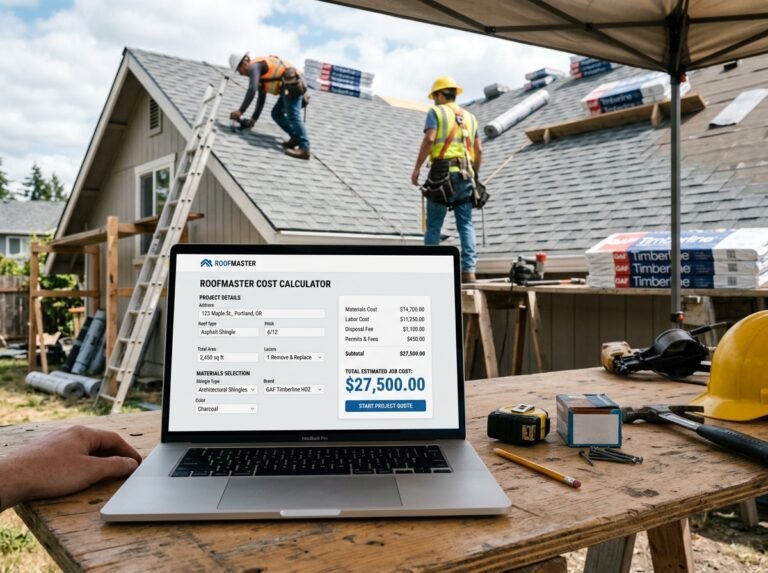
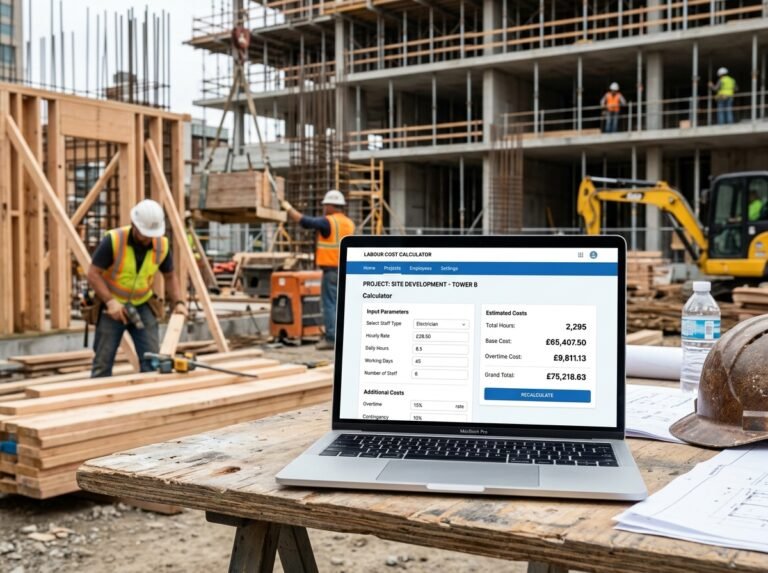
The Construction Estimate Calculator is a free online tool that calculates a preliminary construction budget based on the total gross floor area, the build cost per square meter, a contingency allowance, and applicable tax. It provides a clear breakdown of construction works, contingency, tax, grand total, and price per m². The calculator is part of a suite of construction and renovation calculators available on our website. For a complete project estimate, you can combine it with our Renovation Cost Estimator Calculator, Material Cost Calculator, and Labour Cost Calculator. If you’re also planning specific trades, check out our Roofing Job Cost Calculator.
How to Use the Construction Estimate Calculator
Using the calculator is straightforward. Here’s a breakdown of each field:
1. Project
- Floor area: Enter the total gross floor area of the building in square meters or square feet. This includes all floors, not just the footprint. For example, a two-story house with 100 m² per floor has a gross floor area of 200 m².
- Building type: Select Residential, Commercial, or Industrial. This field is informational only—it reminds you to use the appropriate price per m² for your building type. It does not automatically adjust the price.
- Finish level: Select Shell, Basic, High, or Turnkey. Like building type, this is informational. It helps you remember to enter the correct price per m² for your chosen finish level.
2. Pricing
- Build cost per m²: Enter the local build cost per square meter for your selected building type and finish level. This is the most important input. You can obtain this from recent projects, contractor quotes, or construction cost data for your region.
- Contingency: Enter a percentage for contingency. This covers unforeseen costs, design changes, and price fluctuations. For preliminary estimates, 5–15% is typical. We recommend 8–10% for most projects.
- Tax / VAT: Enter the applicable tax rate as a percentage. If tax doesn’t apply, set to 0. For example, VAT might be 20%.
Once you enter all values, the calculator instantly displays:
- Construction works (base cost)
- Contingency amount
- Tax amount (if applicable)
- Grand total
- Price per m² (including all costs)
Understanding the Cost Components
To make the most of the calculator, it’s important to understand each cost component and how they interact.
- Construction works: This is the base cost of construction, calculated as
floor area × build cost per m². It includes all labor, materials, and equipment for the structure, but excludes land, professional fees, and permits. - Contingency: This is a reserve for unexpected costs. It’s calculated as a percentage of the base construction cost. Contingency is essential because construction projects rarely go exactly as planned. The larger and more complex the project, the higher the contingency should be.
- Tax / VAT: This is applied to the subtotal (base + contingency). Tax rules vary by location and project type. Some projects may be exempt, while others require different rates. Always check with a tax professional.
- Grand total: This is the final estimated cost, including all components.
- Price per m²: This is the total cost divided by the floor area. It gives you a quick benchmark to compare with other projects or industry averages.
Understanding these components helps you build a realistic budget and communicate it effectively to stakeholders. For more information on construction cost estimating, you can refer to Wikipedia’s article on cost estimation.
Example Calculations
Let’s run through a few examples to see how the calculator works in different scenarios.
Example 1: Residential Home (Basic Finish)
- Floor area: 150 m²
- Building type: Residential
- Finish level: Basic
- Build cost per m²: $1,200
- Contingency: 8%
- Tax: 0%
Calculations:
- Construction works: 150 × $1,200 = $180,000
- Contingency: 8% of $180,000 = $14,400
- Subtotal: $180,000 + $14,400 = $194,400
- Tax: $0
- Grand total: $194,400
- Price per m²: $194,400 / 150 = $1,296
Example 2: Commercial Office (High Finish)
- Floor area: 500 m²
- Building type: Commercial
- Finish level: High
- Build cost per m²: $2,000
- Contingency: 10%
- Tax: 20%
Calculations:
- Construction works: 500 × $2,000 = $1,000,000
- Contingency: 10% of $1,000,000 = $100,000
- Subtotal: $1,000,000 + $100,000 = $1,100,000
- Tax: 20% of $1,100,000 = $220,000
- Grand total: $1,320,000
- Price per m²: $1,320,000 / 500 = $2,640
Example 3: Industrial Warehouse (Shell)
- Floor area: 1,000 m²
- Building type: Industrial
- Finish level: Shell
- Build cost per m²: $600
- Contingency: 12%
- Tax: 0%
Calculations:
- Construction works: 1,000 × $600 = $600,000
- Contingency: 12% of $600,000 = $72,000
- Subtotal: $600,000 + $72,000 = $672,000
- Tax: $0
- Grand total: $672,000
- Price per m²: $672,000 / 1,000 = $672
These examples show how different building types, finish levels, and areas affect the total construction estimate.
Benefits of Using the Construction Estimate Calculator
- Accuracy: Get a structured estimate that includes contingency and tax.
- Time-saving: Instantly calculate a preliminary budget without manual spreadsheets.
- Transparency: See a clear breakdown of construction works, contingency, tax, and price per m².
- Flexibility: Adjust area, price per m², contingency, and tax to compare scenarios.
- Professionalism: Present a credible budget to clients, investors, or lenders.
Tips for Accurate Construction Cost Estimation
- Use current local data: Build costs vary significantly by region, time, and market conditions. Use recent project data or consult a local quantity surveyor.
- Be realistic about contingency: Don’t undercut contingency to make the budget look better. A 5–15% contingency is standard, but complex or fast-track projects may need 20%.
- Include all costs: This calculator covers construction works, but your total project budget should also include land, professional fees (architect, engineer), permits, utilities, and furnishing.
- Consider site conditions: Poor soil, steep slopes, or limited access can increase costs. Adjust your price per m² or add a separate allowance.
- Account for inflation: Construction costs can rise over time. If your project will take months or years, add an escalation allowance.
- Review finish levels carefully: Shell, basic, high, and turnkey have very different cost implications. Make sure your price per m² matches the intended quality.
- Get professional advice: For large or complex projects, hire a cost estimator or quantity surveyor to validate your numbers.
For more information on construction estimating, you can refer to resources like Wikipedia’s article on construction estimating software or guidelines from the Association for the Advancement of Cost Engineering.
How to Reduce Construction Costs
If your estimate is higher than expected, here are some ways to reduce costs without compromising quality:
- Optimize the design: A simpler footprint, fewer custom features, and efficient space planning can reduce costs.
- Choose standard materials: Standard sizes and finishes are cheaper than custom or imported options.
- Phase the project: If possible, build in phases to spread costs over time.
- Competitive bidding: Get multiple quotes from contractors and suppliers.
- Value engineering: Review the design to identify cost savings without sacrificing function.
- Consider alternative construction methods: Modular, prefab, or ICF construction can sometimes be more cost-effective.
- Reduce contingency only if justified: Don’t slash contingency unless you have a very detailed design and fixed-price contract.
Frequently Asked Questions (FAQ)
Conclusion
The Construction Estimate Calculator is an essential tool for anyone planning a construction project. It helps you build a preliminary budget, understand cost drivers, and communicate effectively with stakeholders. By following the tips in this article and using the calculator, you can confidently estimate your construction costs. Don’t forget to explore our other calculators for all your construction and renovation needs.
Whether you’re building a small home or a large commercial facility, accurate cost estimation is key to a successful project. Try the Construction Estimate Calculator today and take the guesswork out of your budget.

2 Comments