
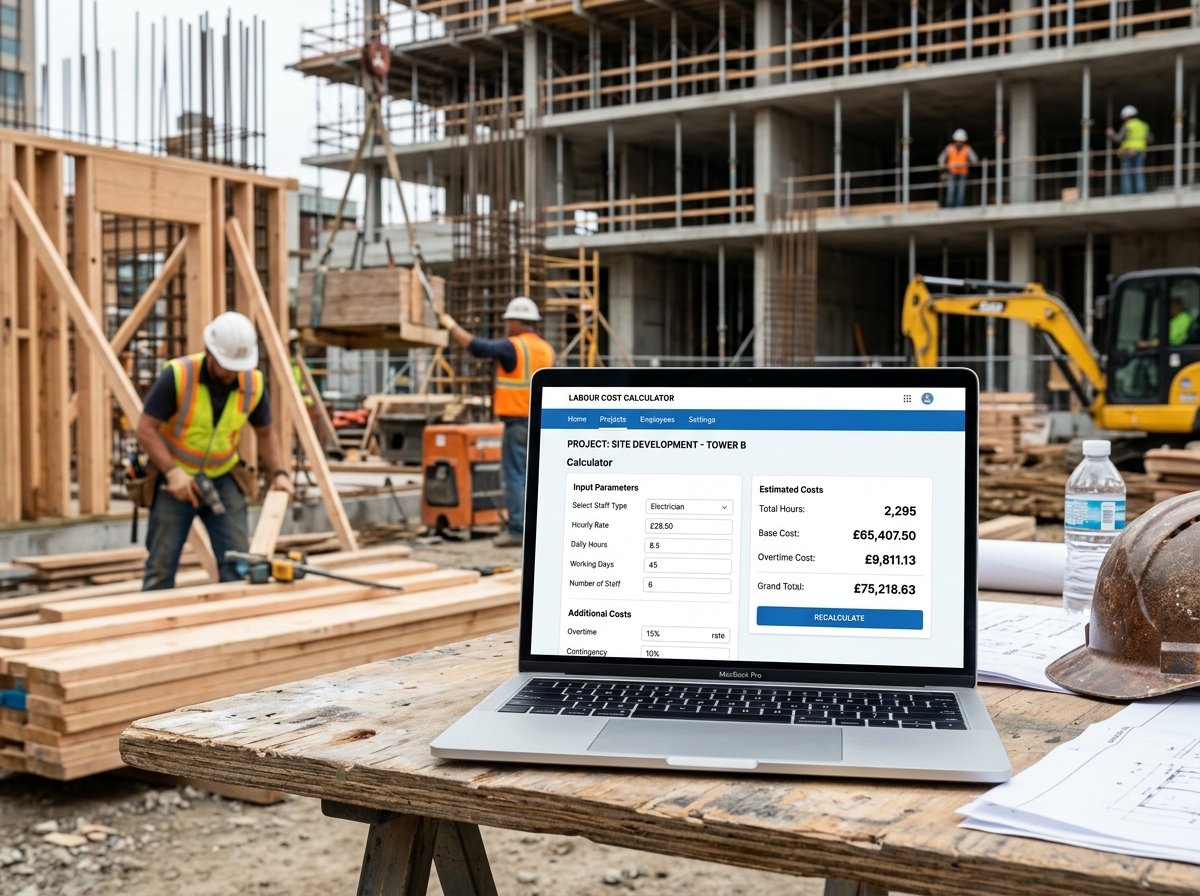
Labour Cost Calculator: Estimate Your Labour Costs Accurately
Labour is often the largest and most unpredictable part of any construction, renovation, or service project. Whether you’re a contractor preparing a bid or a homeowner budgeting for work, knowing how to calculate labour costs accurately is essential. Our Labour Cost Calculator is a free online tool that helps you estimate total labour costs, including base wages, overhead, profit, and tax.
In this guide, we’ll show you how to use the calculator, explain each cost component, provide real-world examples, and answer common questions. We’ll also share tips to keep your labour costs under control.
Labour Cost
Construction CalculatorLabour cost estimate: base hours, overheads, profit and tax.
What is the Labour Cost Calculator?
The Labour Cost Calculator is a free online tool that calculates the total cost of labour for a project based on the number of workers, working days, hours per day, hourly rate, and mark-ups for overhead, profit, and tax. It provides a clear breakdown of base labour, overhead, profit, tax, grand total, and average cost per hour. The calculator is part of a suite of construction and renovation calculators available on our website, including the Tiling Job Cost Calculator, Roofing Job Cost Calculator, Flooring Job Cost Calculator, and Paint Job Cost Calculator.
How to Use the Labour Cost Calculator
Using the calculator is straightforward. Here’s a breakdown of each field:
1. Crew
- Number of workers: Enter how many people will work on the project. For example, if you have a crew of 3, enter 3.
- Working days: Enter the number of days the crew will work. If the project runs for 5 days, enter 5.
- Hours per day: Enter the number of hours each worker will work per day. A standard workday is 8 hours.
- Hourly rate: Enter the crew rate per hour. This should be the base wage per worker per hour. For example, if each worker earns $25/hour, enter 25.
2. Mark-ups
- Overhead: Enter the percentage for business overheads. This covers costs like insurance, equipment, office expenses, and vehicles. A typical overhead is 10–20%. Enter 15 if you’re unsure.
- Profit: Enter your desired profit margin as a percentage. This is applied after overheads. A typical profit margin is 10–20%. Enter 10 for a modest margin.
- Tax / VAT: Enter the applicable tax rate as a percentage. If tax doesn’t apply, set to 0. For example, in many countries, VAT is 20%.
Once you enter all values, the calculator instantly displays:
- Total man-hours
- Base labour cost
- Overhead amount
- Profit amount
- Tax amount (if applicable)
- Grand total
- Average cost per hour
Understanding the Cost Components
To make the most of the calculator, it’s important to understand each cost component and how they interact.
- Base labour: This is the direct cost of wages. It’s calculated as
workers × days × hours × hourly rate. For example, 3 workers × 5 days × 8 hours × $25/hour = $3,000. - Overhead: Overhead represents indirect costs that keep your business running. It’s applied as a percentage of base labour. For example, 15% overhead on $3,000 = $450. Overhead ensures you cover expenses like insurance, tools, and administrative costs.
- Profit: Profit is your earnings after covering all costs. It’s applied as a percentage of the subtotal (base labour + overhead). For example, 10% profit on $3,450 = $345. Profit allows your business to grow and reinvest.
- Tax / VAT: Tax is applied to the total before tax (subtotal + profit). For example, 20% VAT on $3,795 = $759. Tax is collected on behalf of the government and is not part of your revenue.
- Average per hour: This is the total cost divided by total man-hours. It gives you a clear picture of the effective hourly cost, including all mark-ups. It’s useful for comparing projects and pricing.
Understanding these components helps you set competitive yet profitable rates. If your overhead or profit is too low, you may lose money. If it’s too high, you may lose bids. The calculator helps you find the right balance.
Example Calculations
Let’s run through a few examples to see how the calculator works in different scenarios.
Example 1: Small Renovation Crew
- Workers: 2
- Days: 3
- Hours per day: 8
- Hourly rate: $30
- Overhead: 15%
- Profit: 10%
- Tax: 0%
Calculations:
- Total man-hours: 2 × 3 × 8 = 48 hours
- Base labour: 48 × $30 = $1,440
- Overhead: 15% of $1,440 = $216
- Subtotal: $1,440 + $216 = $1,656
- Profit: 10% of $1,656 = $165.60
- Before tax: $1,656 + $165.60 = $1,821.60
- Tax: $0
- Total: $1,821.60
- Average per hour: $1,821.60 / 48 = $37.95
Example 2: Larger Construction Project with VAT
- Workers: 5
- Days: 10
- Hours per day: 8
- Hourly rate: $25
- Overhead: 18%
- Profit: 12%
- Tax: 20%
Calculations:
- Total man-hours: 5 × 10 × 8 = 400 hours
- Base labour: 400 × $25 = $10,000
- Overhead: 18% of $10,000 = $1,800
- Subtotal: $10,000 + $1,800 = $11,800
- Profit: 12% of $11,800 = $1,416
- Before tax: $11,800 + $1,416 = $13,216
- Tax: 20% of $13,216 = $2,643.20
- Total: $15,859.20
- Average per hour: $15,859.20 / 400 = $39.65
Example 3: Service Call with Minimal Overhead
- Workers: 1
- Days: 1
- Hours per day: 4
- Hourly rate: $50
- Overhead: 10%
- Profit: 15%
- Tax: 0%
Calculations:
- Total man-hours: 1 × 1 × 4 = 4 hours
- Base labour: 4 × $50 = $200
- Overhead: 10% of $200 = $20
- Subtotal: $200 + $20 = $220
- Profit: 15% of $220 = $33
- Before tax: $220 + $33 = $253
- Tax: $0
- Total: $253
- Average per hour: $253 / 4 = $63.25
These examples show how different crew sizes, rates, and mark-ups affect the total labour cost.
Benefits of Using the Labour Cost Calculator
- Accuracy: Avoid under- or over-estimating labour costs.
- Time-saving: Get instant results without manual calculations.
- Transparency: See a clear breakdown of base labour, overhead, profit, and tax.
- Flexibility: Adjust rates, crew sizes, and mark-ups to compare scenarios.
- Professionalism: Create detailed, credible quotes for clients.
Tips for Accurate Labour Cost Estimation
- Use realistic hourly rates: Base rates should reflect the actual wages you pay, including any benefits or payroll taxes. If you’re a contractor, your rate may be higher than an employee’s wage.
- Don’t underestimate overhead: Overhead covers many indirect costs. Track your expenses for a few months to determine your true overhead percentage.
- Set a sustainable profit margin: Profit is not optional—it’s what keeps your business alive. A 10–20% margin is typical, but adjust based on your market and risk.
- Check tax requirements: Tax rules vary by location and project type. Some projects may be exempt, while others require different rates. Always consult a tax professional.
- Account for overtime: If your crew works more than 8 hours a day or 40 hours a week, you may need to pay overtime. The calculator doesn’t include overtime—adjust the hourly rate or add extra hours.
- Include travel time: If your crew travels to the site, travel time may be billable. Add it to the hours or adjust the rate.
- Consider productivity factors: Weather, site conditions, and complexity can affect productivity. You may need to increase hours or rates for difficult jobs.
For more information on labour cost calculation and business management, you can refer to resources like Wikipedia’s article on cost accounting or guidelines from the Associated General Contractors of America.
How to Reduce Labour Costs
If your labour estimate is higher than expected, here are some ways to reduce costs without compromising quality:
- Improve scheduling: Ensure your crew has everything they need before starting. Delays and downtime increase labour costs.
- Use prefabricated materials: Pre-cut or pre-assembled components can reduce on-site labour time.
- Train your crew: Well-trained workers are more productive and make fewer mistakes.
- Provide proper tools: Quality tools and equipment speed up work and reduce fatigue.
- Reduce overtime: Overtime is expensive. Plan projects to avoid rushed schedules.
- Consider subcontracting: For specialized tasks, subcontractors may be more efficient and cost-effective.
- Negotiate material prices: Lower material costs don’t directly reduce labour, but they improve your overall competitiveness.
Frequently Asked Questions (FAQ)
Conclusion
The Labour Cost Calculator is an essential tool for contractors, project managers, and anyone budgeting for work. It helps you estimate labour costs accurately, set profitable rates, and create transparent quotes. By following the tips in this article and using the calculator, you can confidently manage your labour budget. Don’t forget to explore our other calculators for all your construction and renovation needs.
Whether you’re hiring a crew or doing the work yourself, accurate labour cost estimation is key to a successful project. Try the Labour Cost Calculator today and take the guesswork out of your budget.




2 Comments